Multi-Factor Authentication - All you need to know
We’re always thinking of ways to better protect our users and keep their data secure.
So we have added additional protection for users accessing Irish Life systems including Portus.

Multi-factor authentication (MFA)
What is it and why is it necessary?
As we continue to digitise every aspect of our lives, there is a corresponding increase in online security risks. These risks are amplified in relation to our shared responsibility for the storage of customer data.
Implementing MFA allows us to further support you by introducing a step to the login process where the user’s identity is verified by sending a code by text message or email.
This additional layer of security provides protection against hackers accessing customer data on Irish Life systems via your user accounts, and it allows for the easy blocking of user access if an employee leaves your firm.
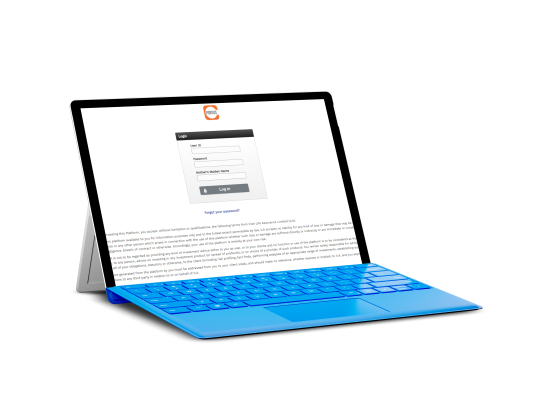
How will this work?
In order to enable MFA, all users who login to Irish Life's systems through our portal must have an individual user ID.
When you login to Portus
- You will be asked to select your preferred method to receive an authorisation code, this can be either by text message to a mobile phone or by email to a business email address.
- You will be asked to confirm the details on file for your selected option.
- You will receive your authorisation code to enter on the login screen.
Note: You will have the option to select trusted device - this allows you to skip the authentication for six months in this browser.
Important – Act now if you share a login.
Offices or individual that share a login between users on a single account will no longer be able to do so. To prevent you being locked out of Irish Life systems, individual accounts must be set up for each user.
To do this you should:
- Contact your nominated super user or firm principal to get set up.
- Or ask them to get in touch with Portus Support at portussupport@portussupport.ie
How to enable MFA On My Account?
Step 1
Password
Step 2
Code
Step 3
MFA Added